














Faster AI answers, smart screenshot modes and Dual-Device viewing.

Your AI Interview Copilot
for Real-Time Interview Assistance with 100% Stealth Mode

Meet your AI Interview Copilot, a real-time AI interview assistant for live job interviews, technical discussions, and coding challenges. It listens to your interviewer's questions, understands on-screen context, and delivers personalized AI-generated answer suggestions based on your resume and job description.

30+ Languages Supported
3 Smart Screenshot Modes
2 Viewing Options
3+ Core Interview Types
Google
Amazon
Databricks
Netflix
PayPal
Coinbase
Microsoft
Citi
IBM
Goldman Sachs
Intel
NVIDIA
McKinsey & Company
JPMorgan Chase

Meet Your AI Interview Copilot

From your first HR screening to a challenging technical interview, get real-time AI interview assistance tailored to your experience and the role you're applying for. Receive personalized answer suggestions, relevant context, and flexible viewing options in one AI-powered interview assistant.

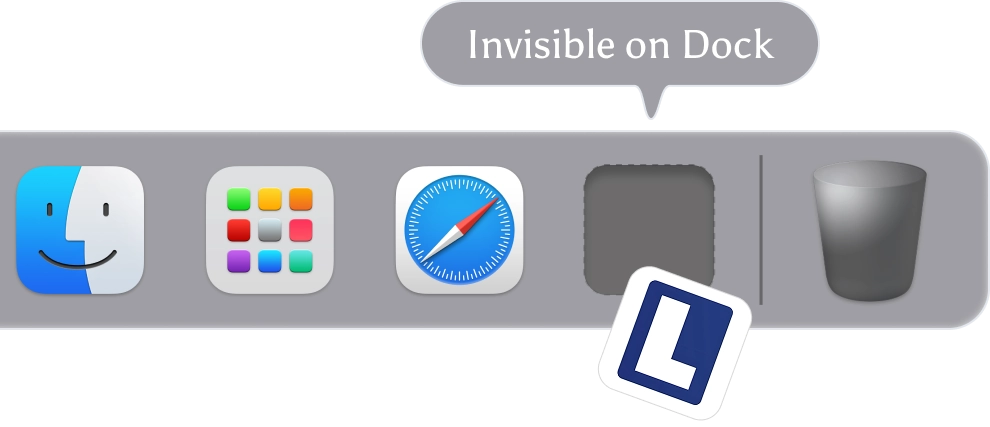
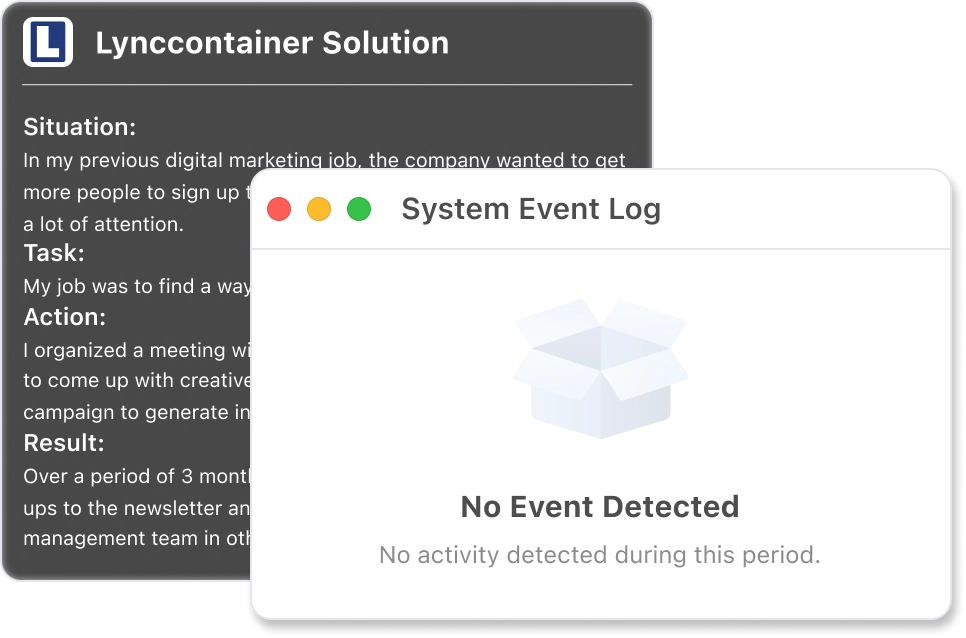
Stealth AI Interview Assistant for Screen Sharing

Use your AI interview assistant with a discreet desktop overlay designed for supported screen-sharing sessions. Stealth Mode keeps your AI-generated suggestions on your own screen while you share your work, so you can access interview guidance without displaying the overlay in supported screen shares.


Works with Zoom, Google Meet, Microsoft Teams & More

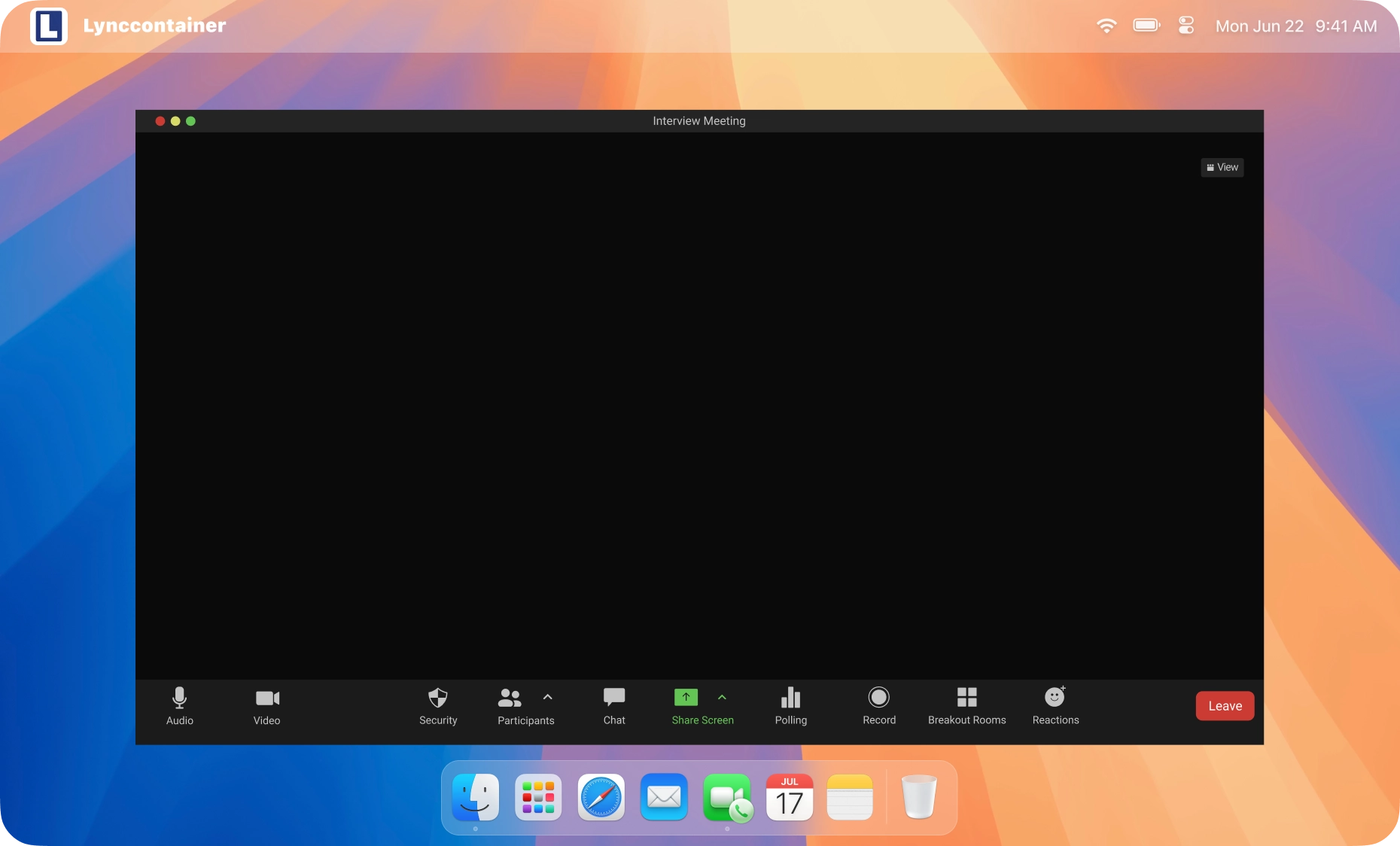
Use your AI Interview Copilot during interviews on Zoom, Google Meet, Microsoft Teams, and Webex. Get real-time answer suggestions without disrupting your interview workflow. Zoom's desktop app requires a specific setup step to hide the overlay during screen sharing. Other supported platforms don't need this step.

Center Icon
Google
Coderpad
Teams
CodeSignal
HackerRank
Zoom
Lark
Webex

Answers Personalized to Your Resume and Job Description

Add your resume, job description, and preferred answer style before the interview. Get personalized, resume-based AI interview answers, relevant examples, and role-specific talking points tailored to your experience and the position you're applying for.

Your Resume
Job Description
Resume-Based AI Answers
Role-Specific Guidance
Interview-Ready Examples
Natural-Sounding Answers

Multilingual AI Interview Assistant for 30+ Languages

Use an AI interview assistant that understands spoken interview questions and generates suggested answers in more than 30 languages. Get multilingual AI interview assistance for local and international job interviews in your preferred language.
こんにちはHalloПриветMerhabaHolaXin chàoKumusta
你好Cześć안녕하세요नमस्तेHeloสวัสดี
BonjourHelloOláCiaoمرحبًاПривітHalo

Real-Time AI Interview Assistant for Live Questions

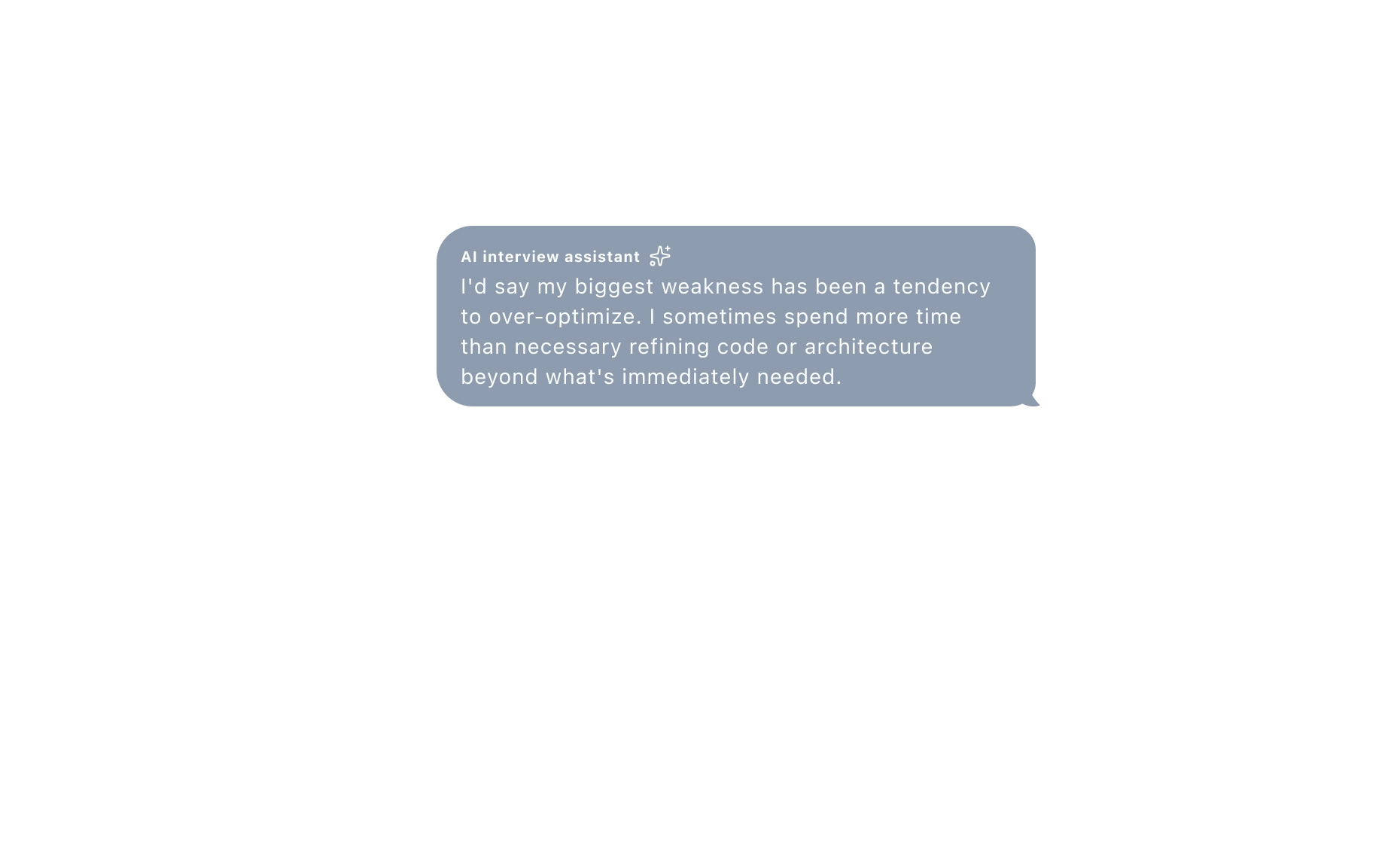
Your real-time AI interview assistant listens to the audio from your computer, including your interviewer's questions. It follows the conversation and generates concise, context-aware answer suggestions to help you respond to new questions and unexpected follow-ups.
AI Interviewer
AI Interview Copilot

One AI Interview Copilot for Different Interview Types

Get AI-powered interview assistance for behavioral interviews, HR screenings, coding challenges, system design discussions, product management, finance interviews, and more. Choose between concise talking points and detailed explanations based on each interview question.

Coding interview
Behavioral interview
System design interview
Product interview
Finance interview
Watch AI Interview Copilot in Action

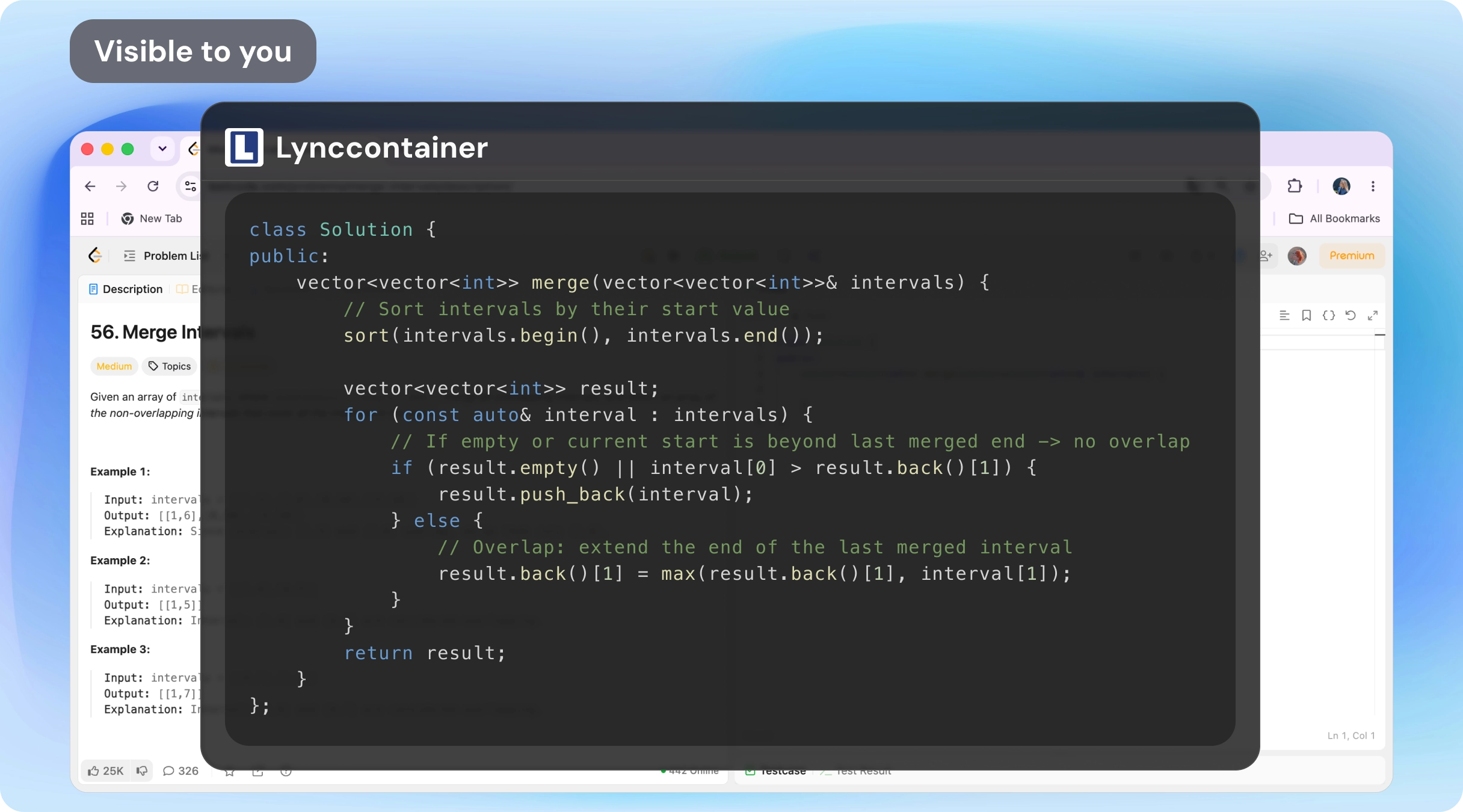
A Real-Time AI Interview Copilot for Coding and System Design

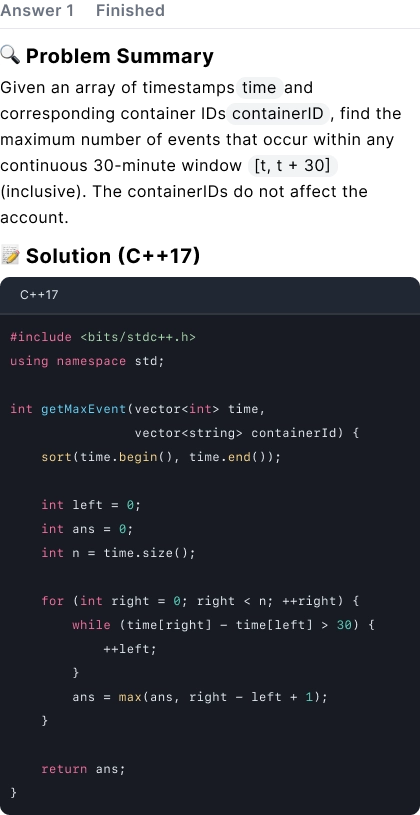
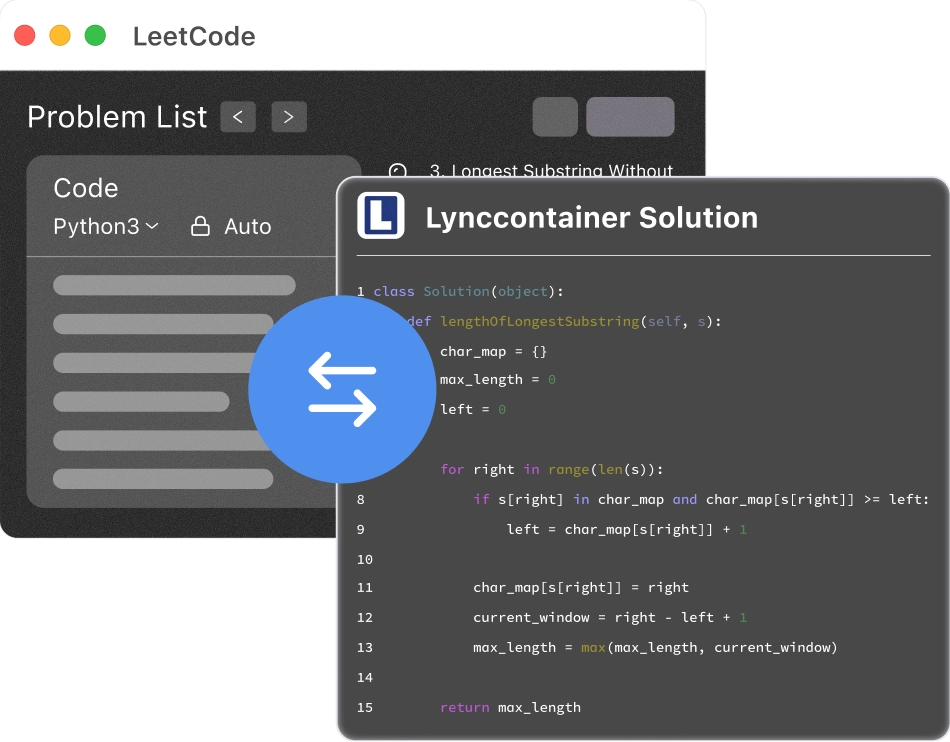
Your AI Coding Interview Copilot combines the interviewer's spoken questions with on-screen context to provide real-time assistance during technical interviews. Get guidance on coding problems, data structures and algorithms, debugging, and system design. Explore solution approaches, analyze time and space complexity, identify edge cases, and explain your technical decisions with greater clarity.

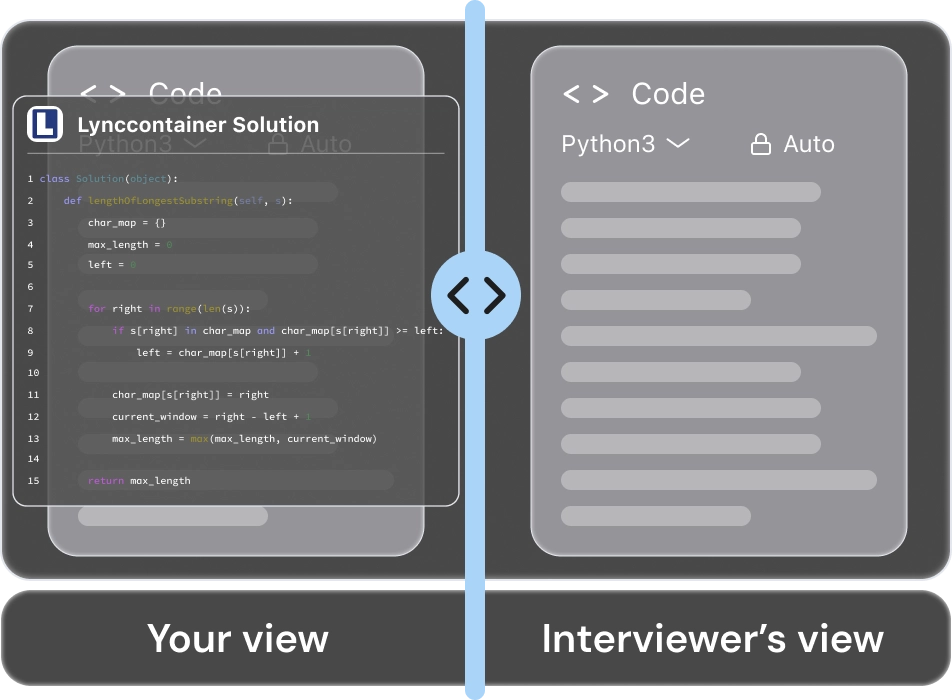
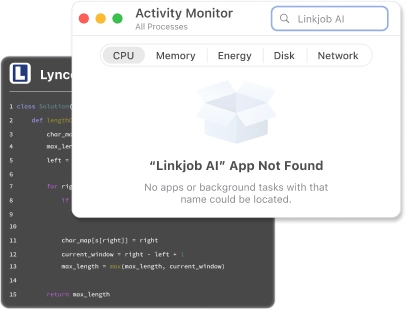
Coding interview screen without AI Interview Copilotoverlay
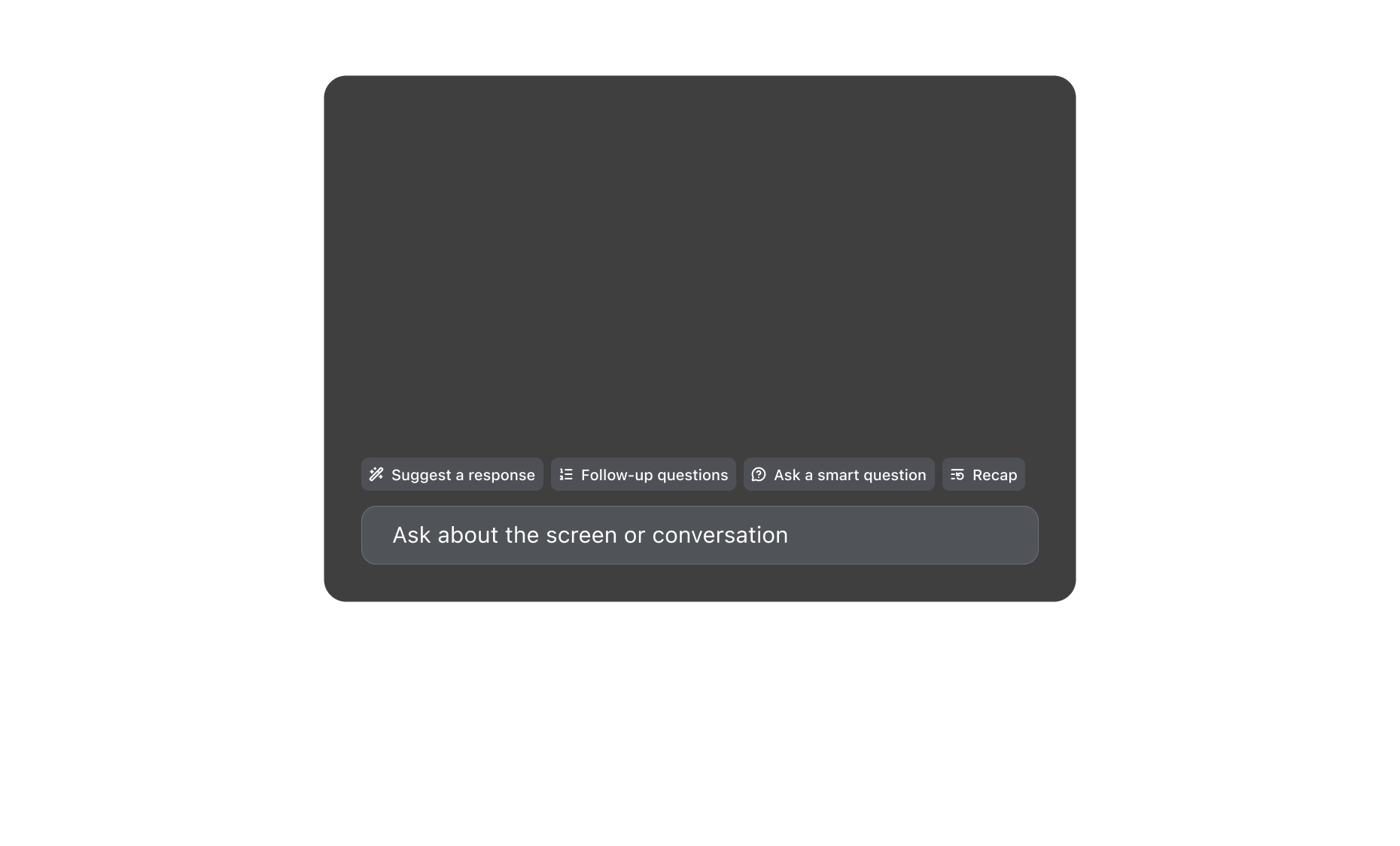
AI Interview Copilotoverlay visible only to you

Only You See the Overlay

Completely invisible in supported screen sharing and recordings.

Technical Help in Real Time

Get instant guidance from initial requirements to complete code and explanation.

Built for Follow-Up Questions

Master complexity, edge cases, system bottlenecks, and scalability on the fly.

AI Interview Copilot with Stealth Mode, Built to Help You Succeed in Interviews

AI Interview Copilot keeps interview guidance unobtrusive, with a desktop overlay designed for private viewing while you share your work and discuss your answers.

AI Interview Copilot Reviews
& Real Interview Assistant Experiences

Read real user experiences with our AI interview copilot, including real-time interview assistance, coding question analysis, and personalized answer suggestions.

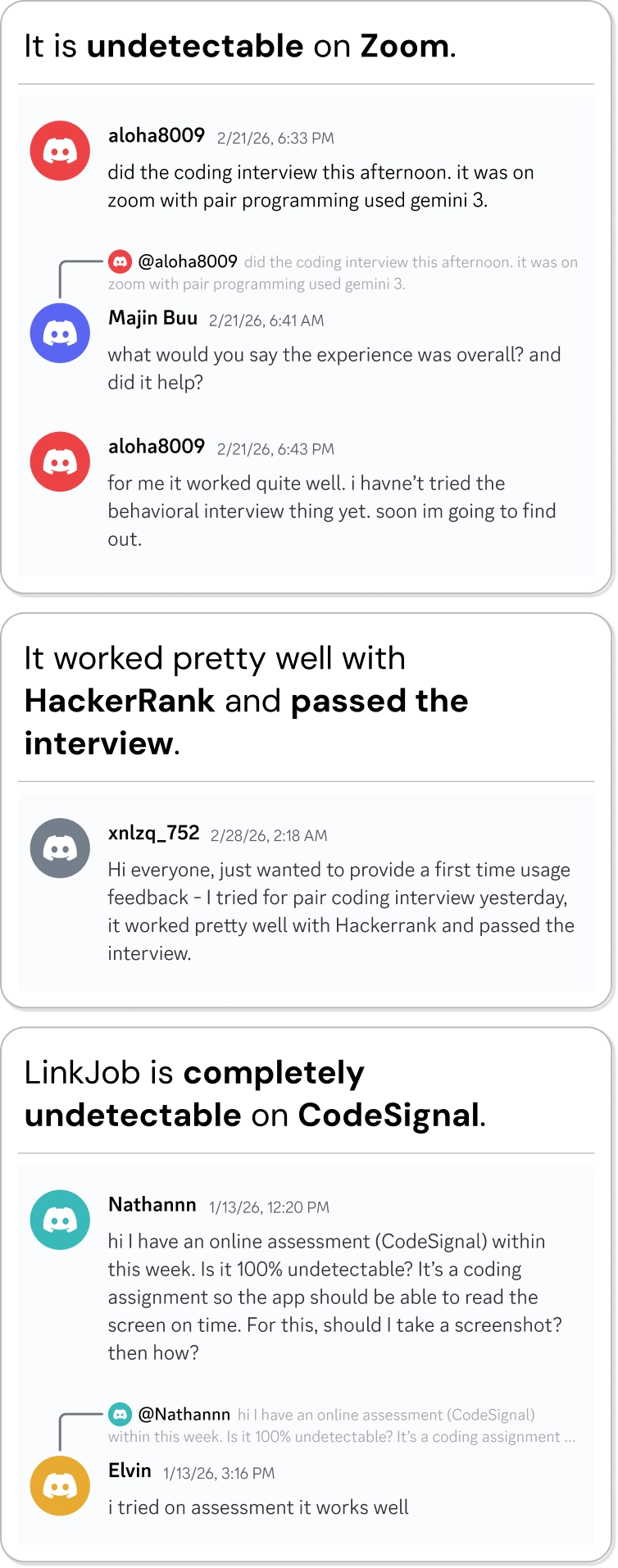
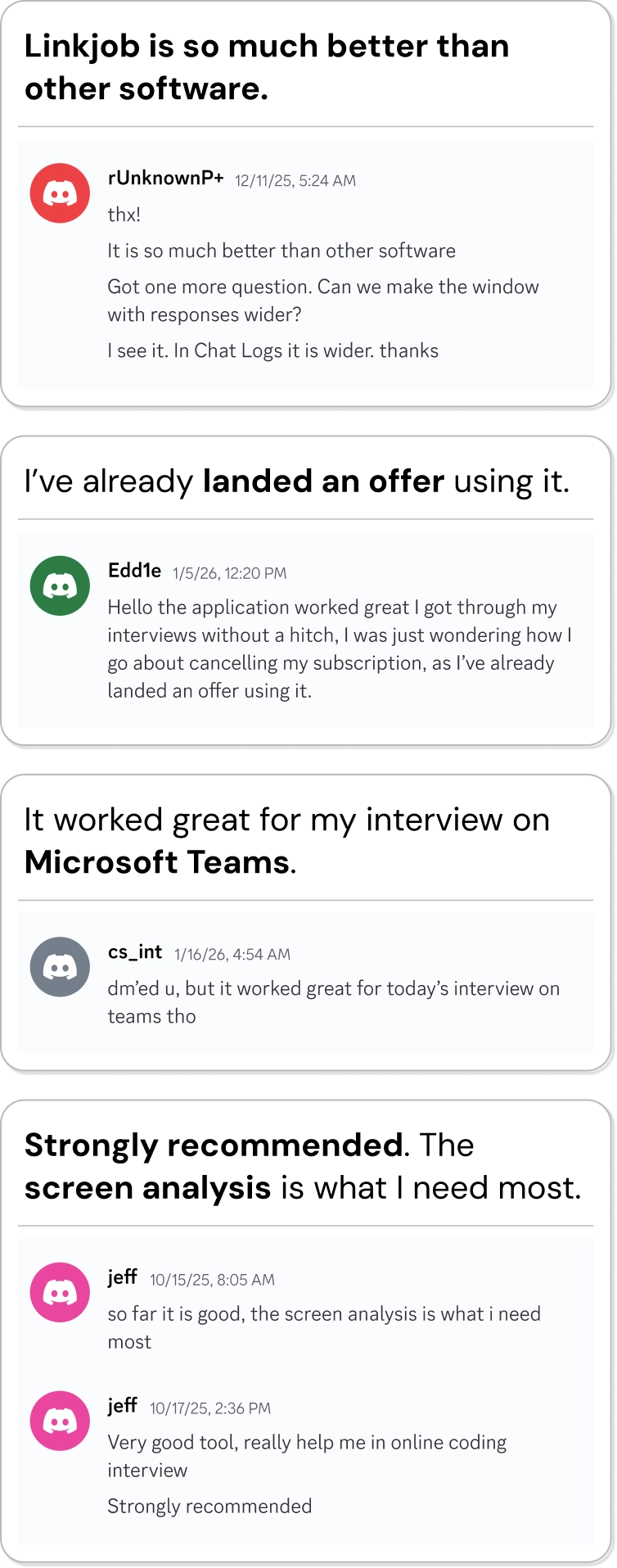
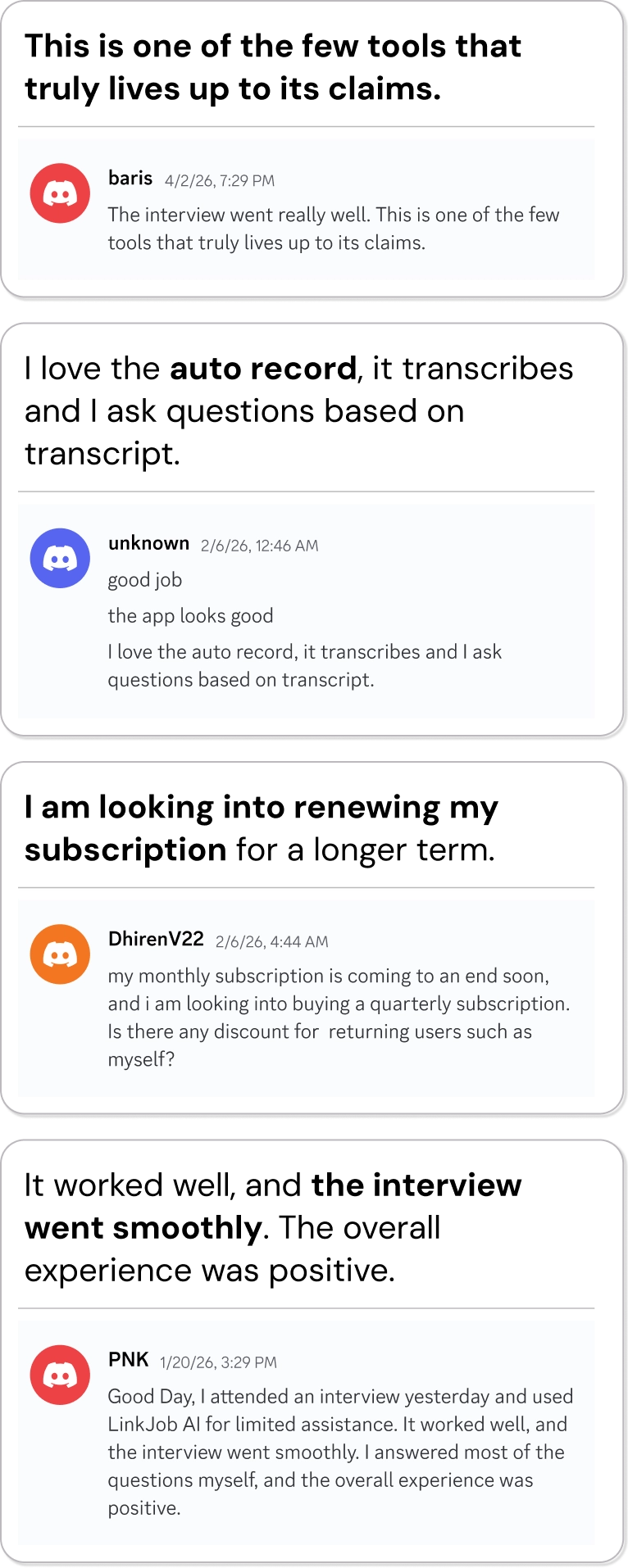
testimonial column 1testimonial column 2testimonial column 3

Use AI Interview Copilot on Your Interview Platform

Use your AI interview copilot across supported video interview platforms and technical assessment environments. Explore setup guides for Zoom, Google Meet, Microsoft Teams, Webex, and coding interview platforms, with desktop overlay and dual-device viewing options.

View AI-Generated Answers on Your Phone with Dual-Device Mode

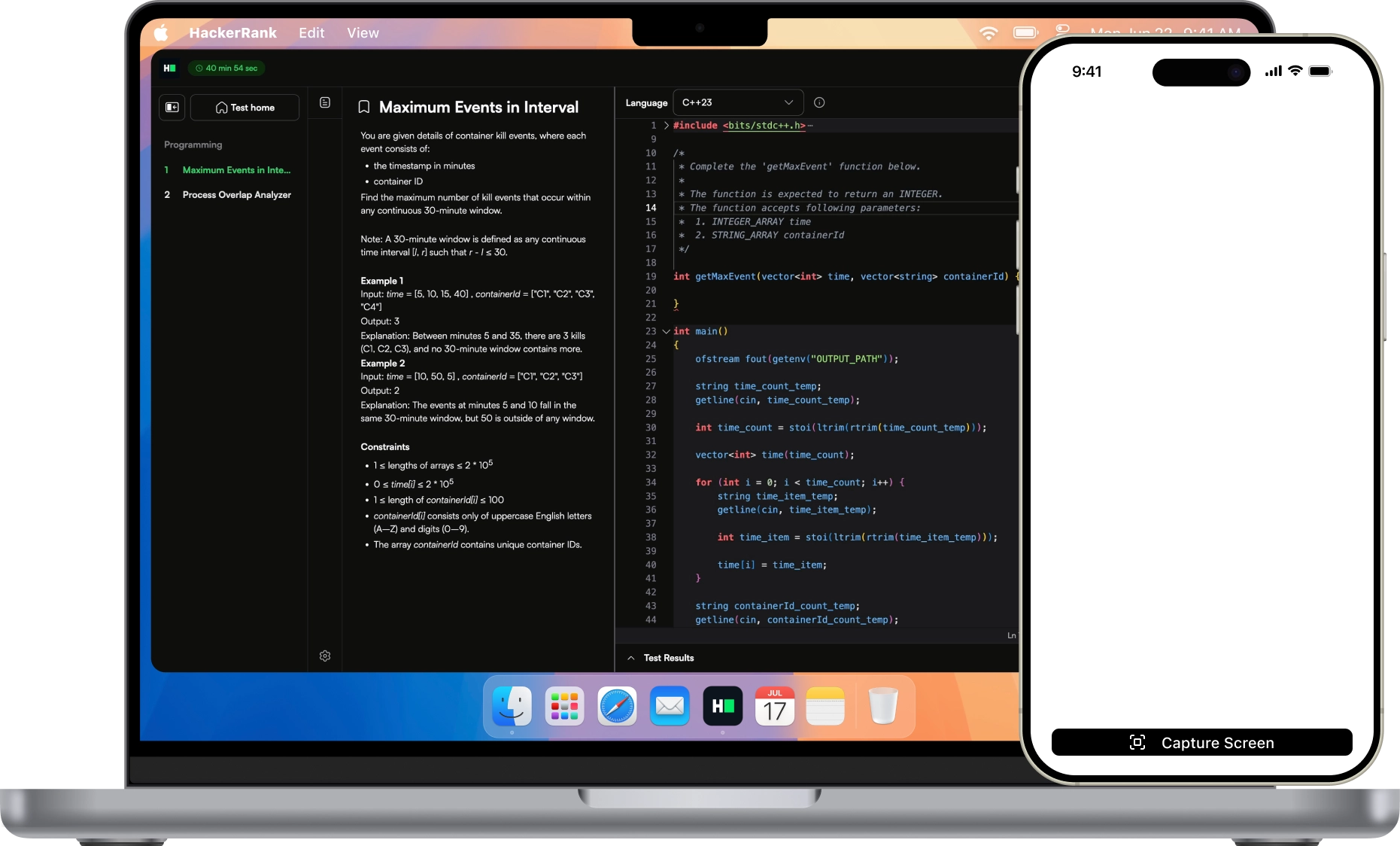
Choose the viewing setup that works for your interview. Use the desktop On-Screen Overlay for real-time, voice-based interview assistance, or enable Dual-Device Mode to capture desktop questions remotely, analyze screenshots, and view AI-generated answers on your phone.

AI Coding Interview Assistance for Code, Debugging and System Design

Get AI coding interview assistance for data structures and algorithms, Python, Java, JavaScript, C++, and other common programming languages. Explore coding problem analysis and solution approaches, identify edge cases, understand time and space complexity, debug code, and discuss architecture, databases, and scalability during technical interviews.

Supported Interview Platforms & Setup Guides

  • Zoom Zoom
    Nov 2026
  • Google Meet Google Meet
    Nov 2026
  • Lark Lark
    Nov 2026
  • Cisco Webex Cisco Webex
    Nov 2026
  • CoderPad CoderPad
    Nov 2026
  • CodeSignal CodeSignal
    Nov 2026
  • HackerRank HackerRank
    Nov 2026
  • Microsoft Teams Microsoft Teams
    Nov 2026

AI Interview CopilotFAQ: Everything You Need to Know

Have questions about your AI interview copilot, pricing, login, or setup? Explore the answers below, contact our support team, or join our Discord community.

AI Interview Copilot is an excellent choice for candidates who need real-time support during live interviews. It generates personalized answer suggestions based on your resume and job description, helping you tackle behavioral, HR, coding, DSA, and system design questions. With Stealth Mode and Dual-Device Mode, you can access AI-powered guidance more flexibly while staying focused on your interview.
AI Interview Copilotis a real-time AI interview assistant for live conversations, technical interviews, and practice sessions. It responds to interview questions coming through your computer audio, uses your resume and job description to personalize answer suggestions, and can analyze screenshots of coding tasks, diagrams, and other visual prompts.

You can use AI Interview Copilot during behavioral interviews, coding challenges, system design discussions, and mock interviews.
Yes. AI Interview Copilot offers a 30-minute free trial so you can test real-time interview assistance, coding support, screenshot analysis, and personalized answers before purchasing a plan. Your trial begins when you activate it. Gemini 3 Flash is available for trial use, while paid plans unlock additional advanced AI models.
AI Interview Copilot pricing includes monthly, quarterly, annual, and lifetime plans. Your options differ by membership duration and access to AI models. Visit the AI Interview CopilotPricing section to review current prices and choose the plan that works best for your interview needs.
Download the latest AI Interview Copilot desktop app and sign in with your registered email address. If you've purchased a membership, use the email address linked to your purchase so the app can recognize your plan.

The latest desktop app uses email-based login instead of the previous activation-code login system. If you still see an activation-code prompt, install the latest version.
Both.AI Interview Copilot provides real-time answer suggestions during live interviews and supports AI mock interview practice before your actual interview. It can help with HR screenings, behavioral questions, technical discussions, coding interviews, and system design follow-ups.
Yes.AI Interview Copilot works alongside Zoom, Google Meet, Microsoft Teams, Webex, and other supported online interview platforms. Desktop versions are available for macOS, Windows, and Linux.

To check your audio setup, enable listening in AI Interview Copilot, play a YouTube video on your computer, and confirm that the AI responds to the computer audio. Zoom desktop users must configure one required setting to ensure absolute invisibility during screen sharing. Other supported meeting platforms and browser-based Zoom meetings do not require this additional setting.
No. AI Interview Copilot's desktop overlay is completely invisible to others during supported screen-sharing sessions and recordings, remaining visible solely on your own computer—even when sharing your entire screen.

The Zoom desktop app requires one required setting. Other supported meeting platforms and browser-based meetings, including Zoom in a browser, require no extra settings. You can also view AI-generated screenshot answers on your phone through Dual-Device Mode.
Yes. AI Interview Copilot's coding copilot can analyze screenshots of coding problems, suggest solution approaches, and explain algorithms, data structures, debugging steps, time and space complexity, and edge cases.

For system design interviews, it can help organize discussions around architecture, databases, scalability, bottlenecks, and technical trade-offs.
AI Interview Copilotoffers three screenshot modes:

1. Auto Answer: Capture one screenshot and receive an immediate AI response based on your preset instructions.
2. Manual Control: Capture up to six screenshots, then type a custom prompt or use long-press speech-to-text before sending them to the AI.
3. Auto-Interval: Set a time interval for automatic screenshots and AI-generated responses.

These modes can also be used when you view AI-generated screenshot answers on your phone through Dual-Device Mode.
The current AI Interview Copilotis a downloadable desktop app for macOS, Windows, and Linux, rather than a Chrome extension. The desktop app supports computer-audio listening, screenshot analysis, and an interview answer overlay. It also works with Dual-Device Mode for viewing AI-generated screenshot answers on your phone. If you're following an older AI Interview CopilotChrome extension guide, use the current desktop app instructions instead.
Yes. For assessments involving strict desktop-monitoring software or locked browsers, AI Interview Copilot provides Dual-Device Mode, where the desktop application captures and analyzes screenshots while AI-generated answers are displayed on your phone. Dual-Device Mode does not independently listen to interviewer audio; for real-time voice-based assistance, use the desktop On-Screen Overlay.

For regular browser-based assessments using the desktop overlay, ensure two requirements are met:
1. The test runs in a standard web browser rather than a dedicated monitoring client or locked browser.
2. Setup is completed prior to the test. Do not open Settings or use Cmd/Ctrl + \ to toggle app visibility once the test has started.
Yes. Add your resume, the job description, and any relevant preparation notes before your interview. AI Interview Tool uses this context to create personalized answer suggestions, role-specific guidance, and examples that reflect your experience. You can also use custom instructions to control answer length, tone, and detail.
AI Interview Copilotoffers Gemini 3 Flash for free-trial use and fast spoken interview questions. Paid plans unlock advanced model choices including GPT-6.1 Sol, Claude Opus 5.5, Gemini 4 Argon, and Grok-4.7.

For rapid behavioral questions, Gemini 3 Flash is a practical starting point. For complex coding, screenshot analysis, and system design, consider an advanced model such as Claude Opus 5.5, GPT-6.1 Sol, or Gemini 4 Argon.
Yes. AI Interview Copilotsupports 30+ languages, allowing you to receive real-time AI interview assistance in your preferred language. It can help with multilingual interviews, spoken questions, and personalized answers across supported languages.
Explore the AI Interview Copilot reviews and product walkthroughs on our website, along with guides comparing AI interview assistants such as Final Round AI, Parakeet AI, Verve AI, and LockedIn AI. When comparing products, consider real-time interview support, model selection, coding features, screen sharing, pricing, and the setup required for your interview platform.
You can use Dual-Device Mode to view AI-generated answers on your phone after capturing desktop content remotely. For automatic voice-based interview assistance, the desktop On-Screen Overlay is the relevant workflow.