AI Mock Interview: Practice for Real Interviews with AI
Practice realistic AI mock interviews with role-specific questions from your resume and job description, plus personalized feedback to improve answers.
Why Choose Our AI Mock Interview Platform?
AI Interview Copilot brings personalized questions, realistic practice, and AI feedback together in one AI mock interview platform, so you can prepare for each stage of your next interview.
Personalized AI Mock Interview Questions
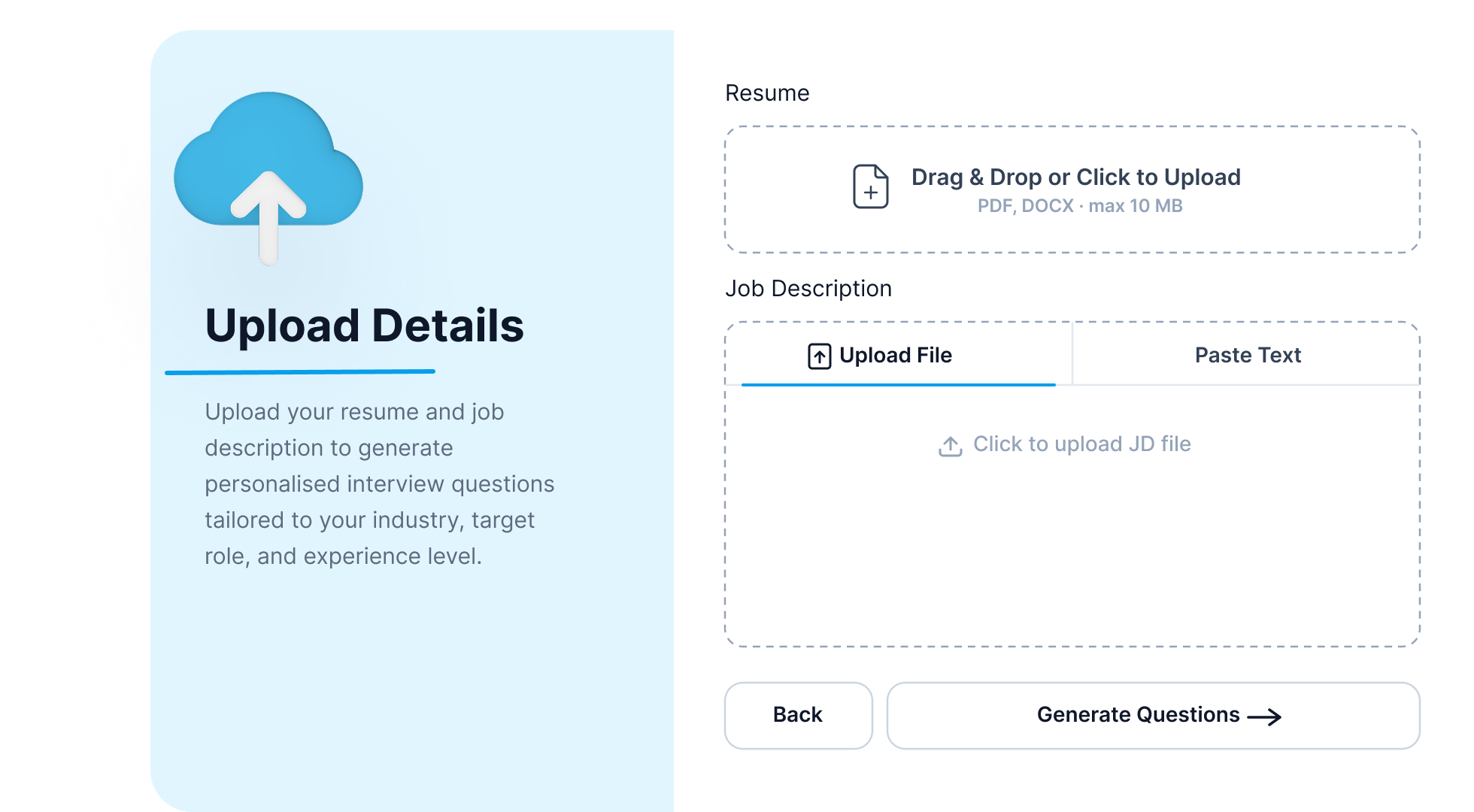
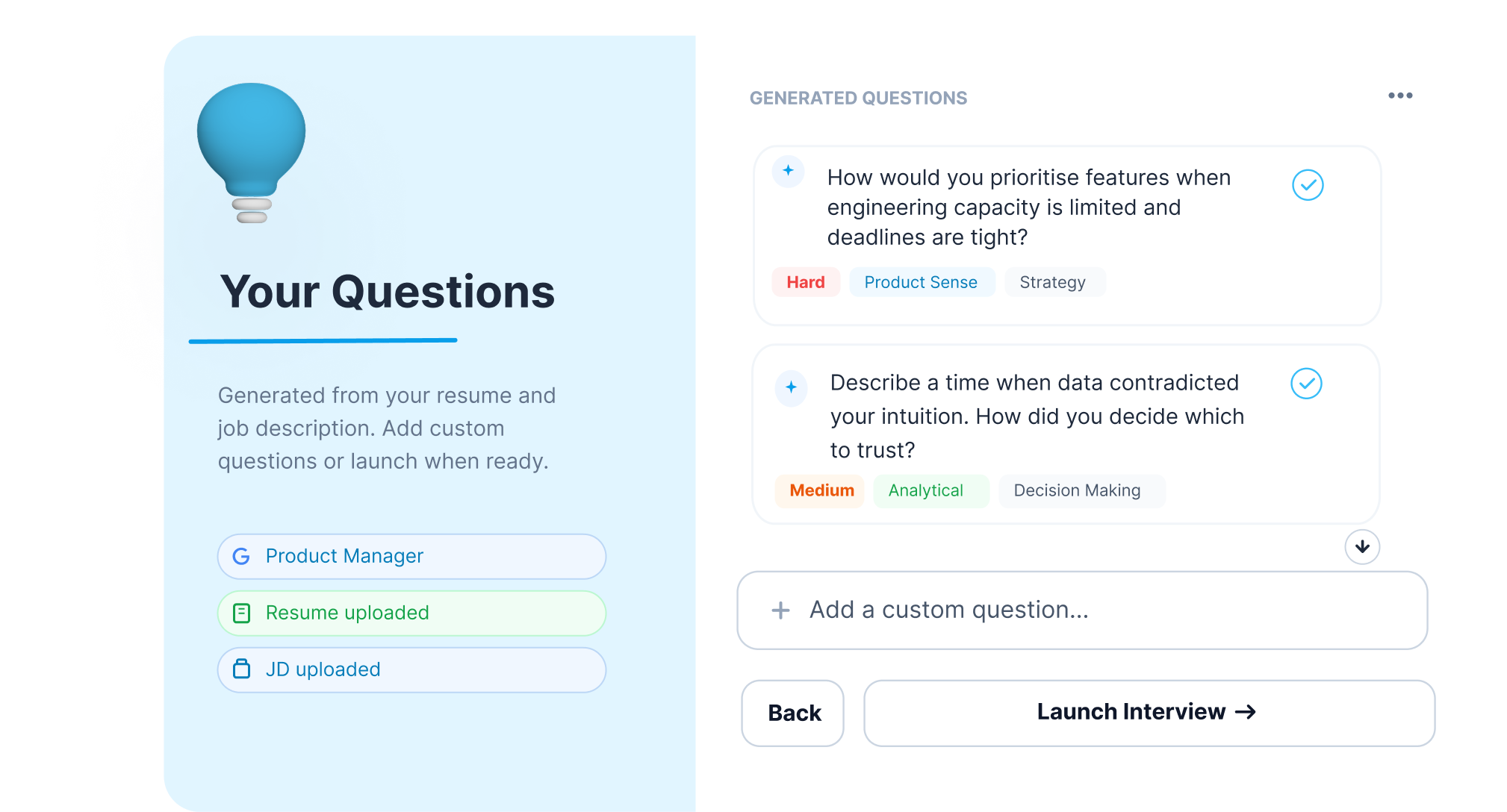
Upload your resume and job description to generate personalized interview questions based on your target role, experience, and skills. Focus your practice on the questions most relevant to your next interview.
Realistic Voice-Based Interview Practice
Practice answering interview questions naturally through voice interaction. Experience a conversational interview flow with relevant follow-up questions designed to help you prepare for real interview situations.
AI Mock Interview Feedback and Reports
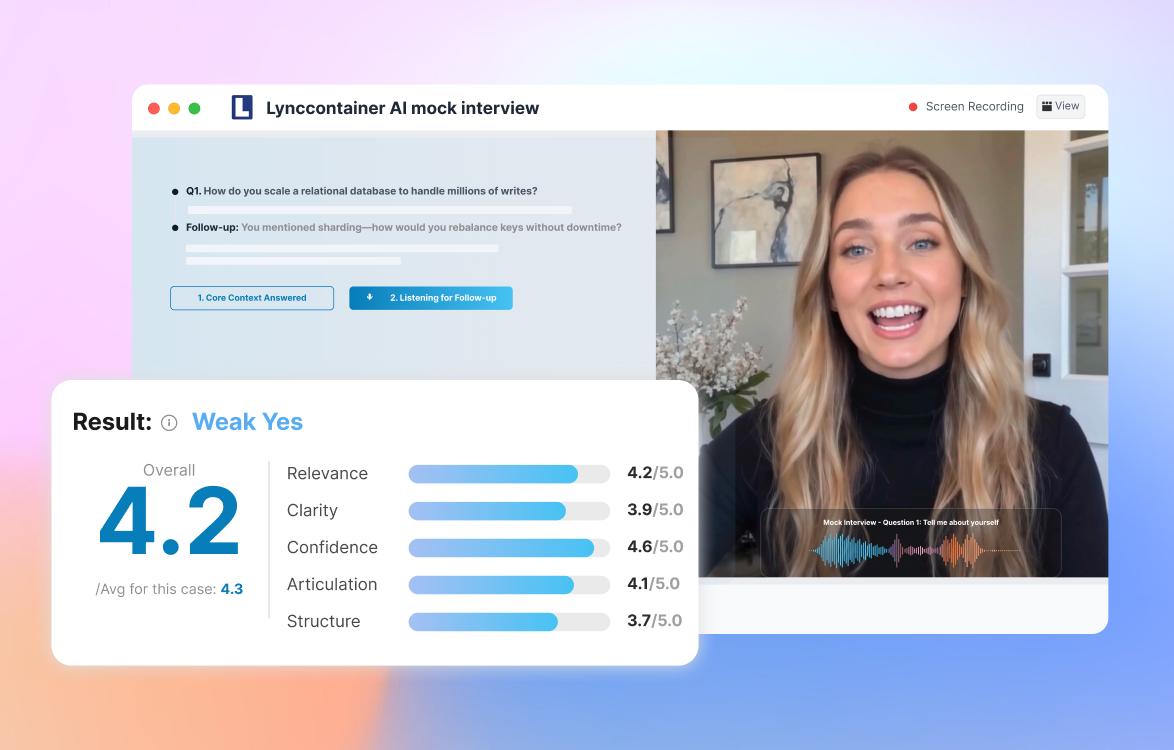
Review your interview performance with AI-generated feedback. Understand your answer structure, communication, and areas for improvement so you can make each practice session more effective.
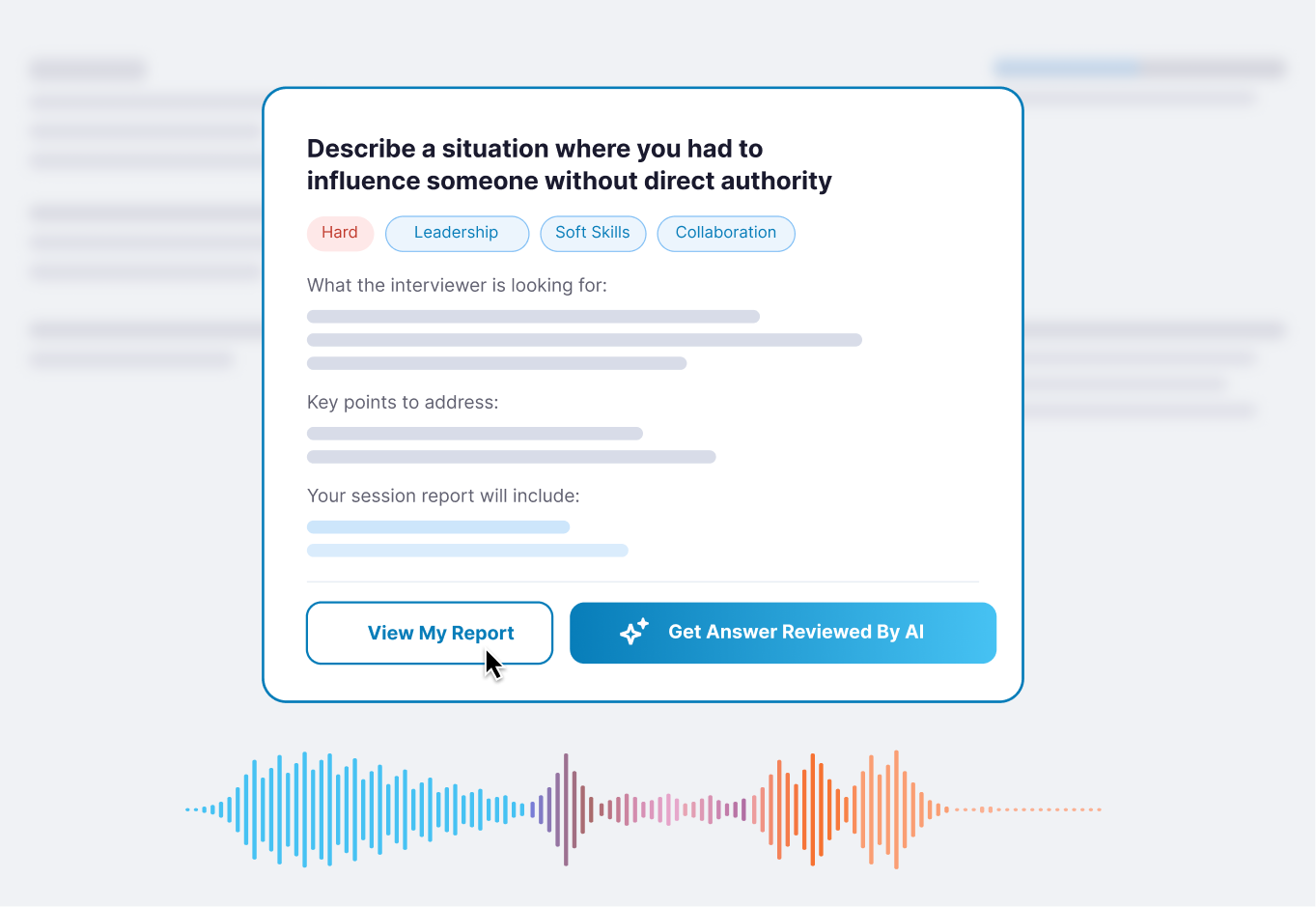
See How the AI Mock Interview Works
Watch how to personalize your interview practice, answer AI-generated questions, and review your performance.
How to Use Our AI Mock Interview Tool
Getting started with AI mock interview practice takes three simple steps. Set up your interview details, practice your answers, and review AI-powered feedback before your next real interview.
Upload Your Resume and Job Description
Add your resume and target job description to create interview questions tailored to your experience and the role you're pursuing.
Start Your AI Mock Interview
Practice answering questions through voice or text, and respond to relevant follow-up questions throughout your session.
Review Your AI Interview Report
Explore feedback on your answers, communication, and interview performance to identify what you can improve before your next interview.
Improve Your Interview Performance with AI Feedback
After your practice session, review AI-generated insights into your interview responses. Identify strengths, understand areas that need improvement, and refine how you communicate your experience and qualifications.
Frequently Asked Questions About AI Mock Interviews
If you have any further questions, join our Discord community or WhatsApp group to ask us.
Prepare for Your Next Interview with AI Mock Interview Practice
Practice interview questions, explore personalized AI assistance, and prepare with greater confidence. Download AI Interview Copilot and try the available features. You can also use Dual-Device Mode to view AI-generated answers on your phone.
Download the desktop client and activate your 30-minute free trial after installation and login.