AI Coding Interview Copilot for Real-Time Technical Interview Support
Key Features of Our AI Coding Interview Copilot
AI Coding Interview Copilot is a desktop application for real-time coding interview assistance during technical interviews and online assessments. It reviews on-screen questions, explains code logic, suggests debugging steps, and helps you organize clear technical explanations. AI Interview Copilot runs on macOS, Windows, and Linux and works alongside supported coding platforms, video meeting tools, and assessment environments.
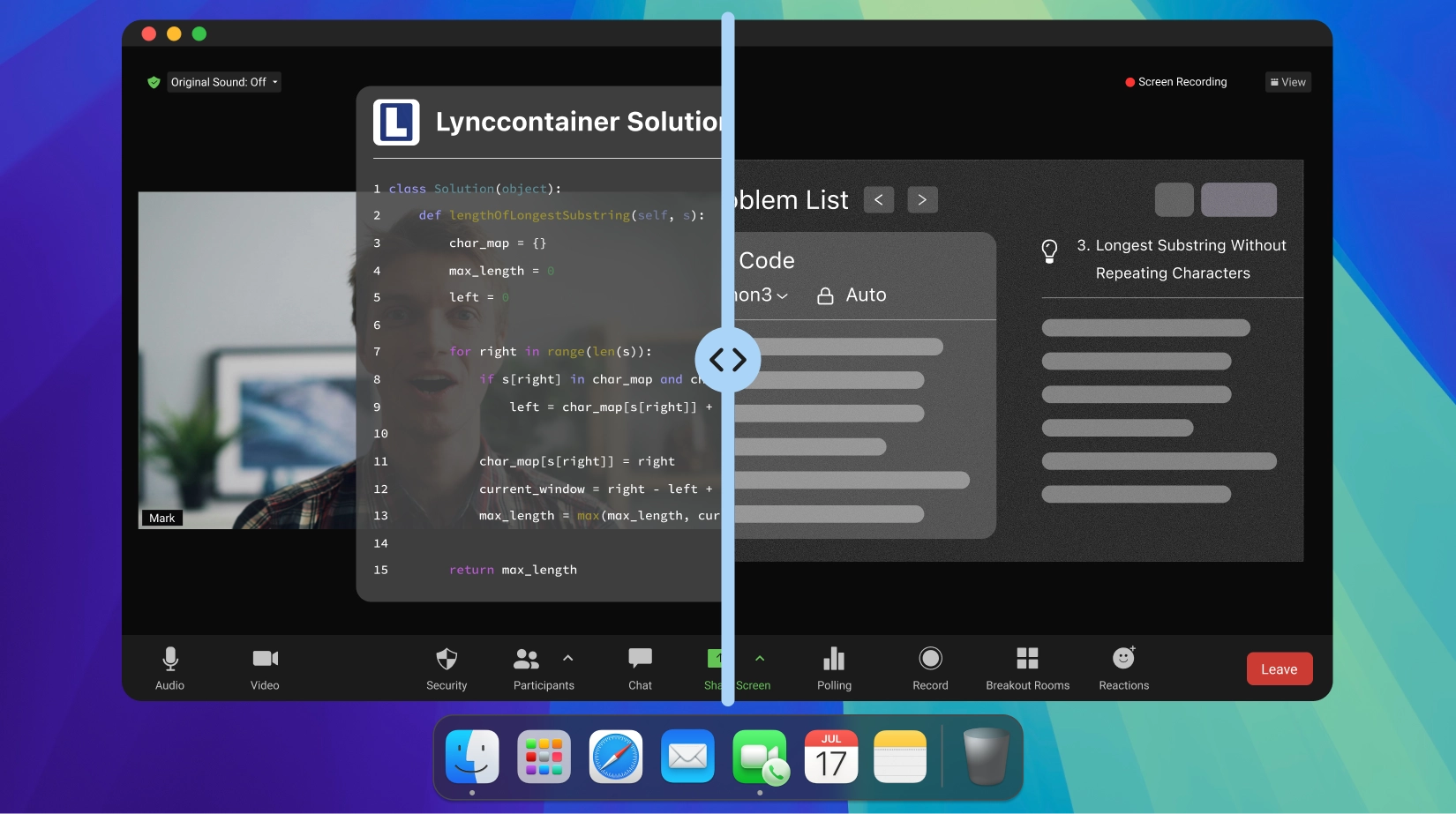
Screen Sharing
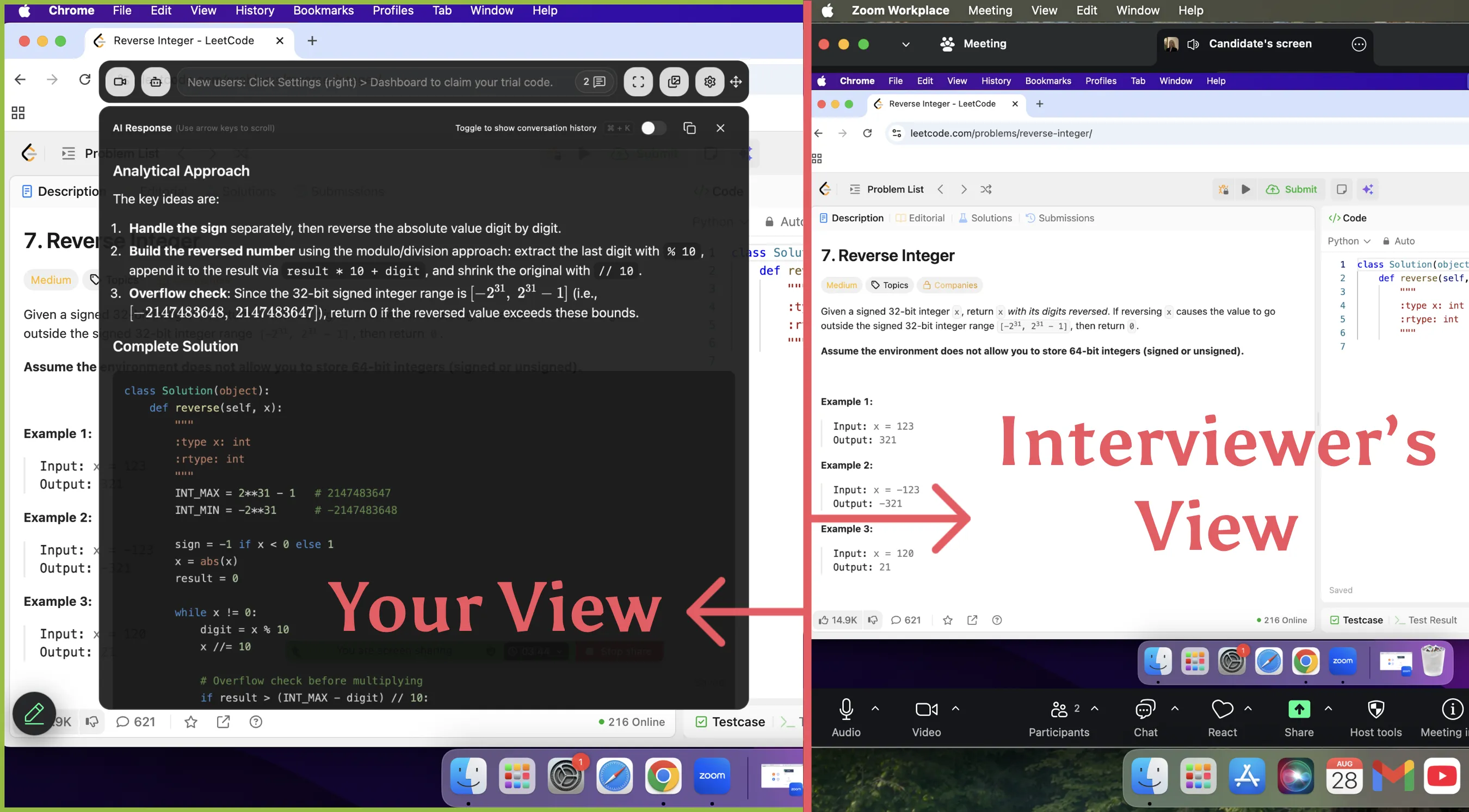
AI Interview Copilot runs as a native desktop app with an overlay that stays out of view in supported screen-sharing sessions while remaining visible on your own screen.
Active Tab Detection
Because the assistant runs as a standalone desktop application rather than a browser extension, your coding workspace and the app operate independently during an assessment.
Cursor Tracking
Control the assistant with global shortcuts and keep the transparent window positioned over your editor, so you can work without switching tabs.
Webcam Monitoring
Place the transparent floating window over your code editor and keep your attention on the problem, your explanation, and the conversation.
How AI Coding Interview Copilot Supports Technical Interviews
Work through coding interview questions, LeetCode-style problems, and live technical challenges with AI-assisted analysis. Review algorithm reasoning, code optimization opportunities, and structured explanations as you prepare for technical interviews.

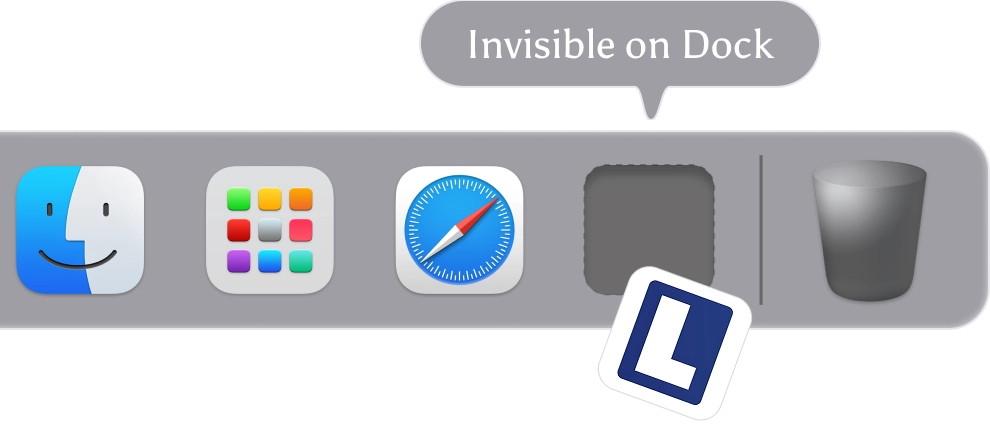
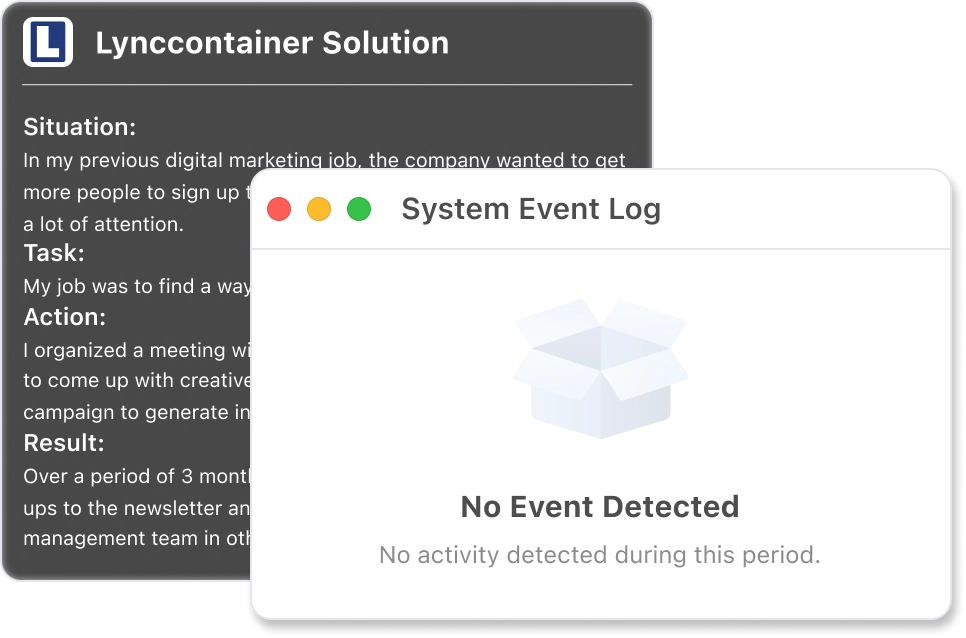
Nowhere on Your Dock
The AI coding interview copilot runs from the desktop application and does not add an icon to your Dock while you work.

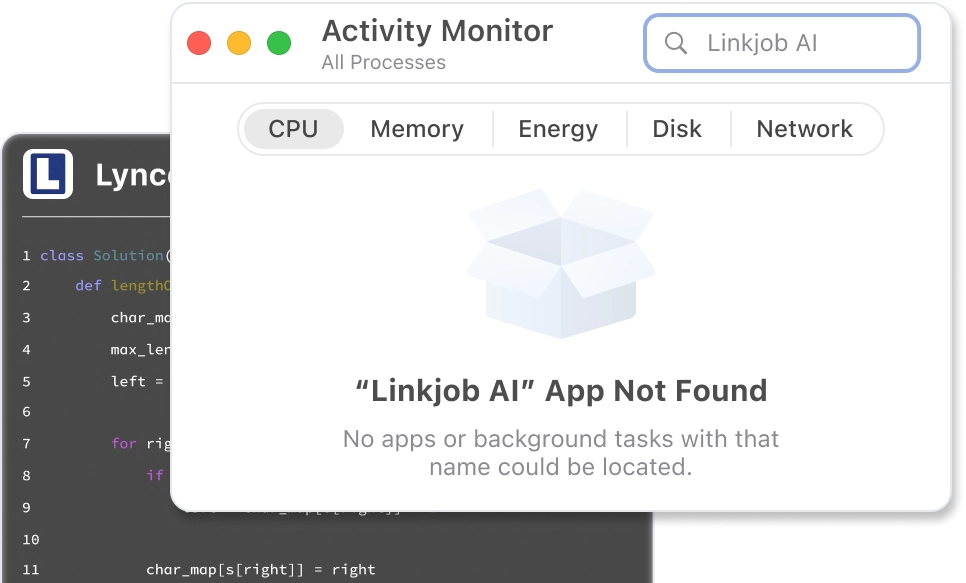
Invisible in Activity Monitor
AI coding interview copilot runs in the background of the desktop application without adding a separate entry to your Activity Monitor.
Screen-Recording Proof
When a session is recorded, AI coding interview helper keeps its overlay out of the captured view in supported scenarios.
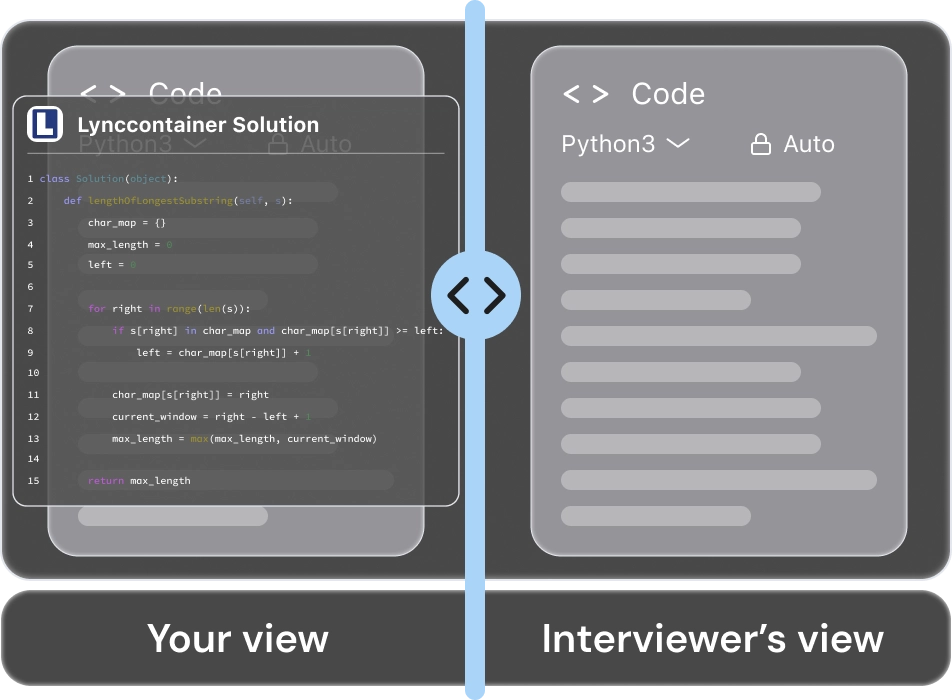
Completely Click-Through
The transparent overlay is click-through, so working with your cursor in the editor does not move focus away from your code.
How the AI Coding Interview Copilot Provides Real-Time Assistance
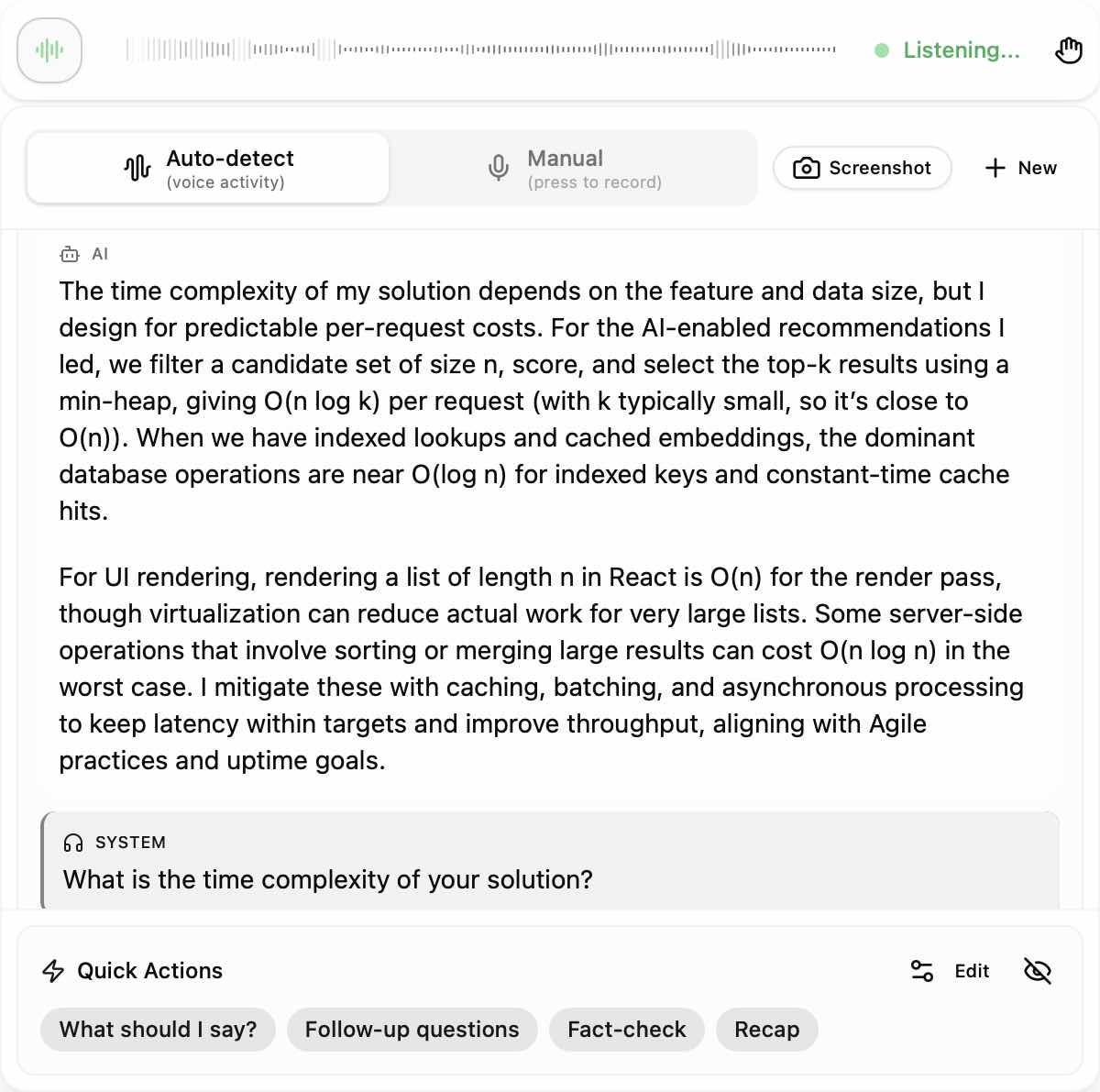
Stop struggling with syntax or edge cases under pressure. Using real-time audio transcription and screen capture, the coding interview copilot provides structured code solutions and AI coding interview support, helping you generate production-ready code and clearer interview responses in real time.
Solve, Debug, and Optimize Code
Meet your professional coding interview assistant for technical assessments. This AI coding copilot provides instant problem analysis, code generation, debugging support, algorithmic reasoning, and code optimization for live coding challenges.
- Structured Problem Solving
- Real-Time Debugging Support
- Code Logic & Performance Optimization
Global Shortcuts and Desktop Integration
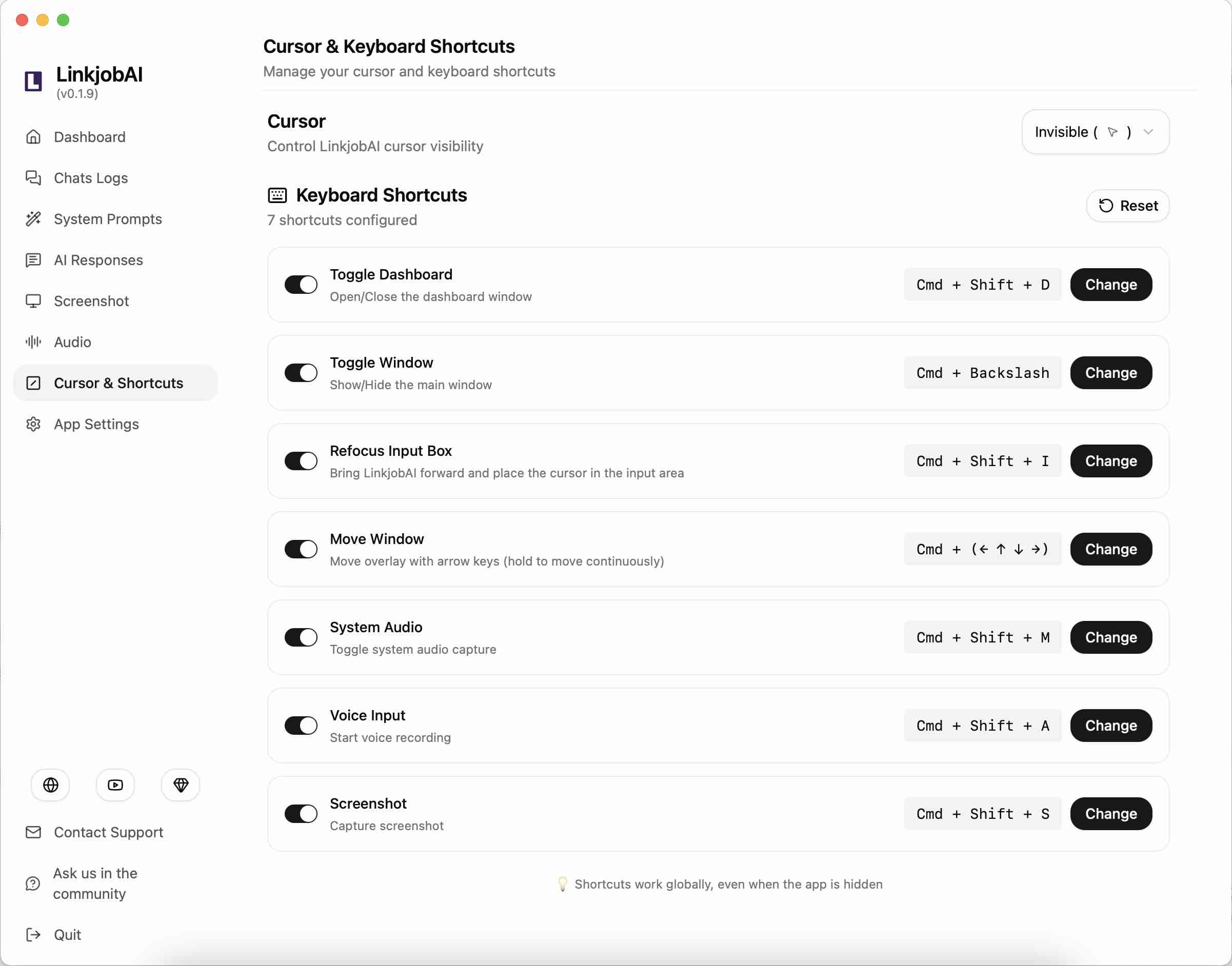
Use system-level global shortcuts to control the desktop application while you work in your code editor. Shortcuts are configured in the app, so you can request assistance without leaving your coding environment.
- OS-Level Integration
- Configurable Global Shortcuts
- Desktop Workflow Support
Live Screen Capture
Intelligent live capture with full-screen and partial-screen modes, allowing multiple screenshots to be added to an AI conversation. Get real-time technical assistance for coding challenges, algorithms, system design, domain knowledge, and project deep dives during technical assessments.
- Flexible Capture Modes
- Multi-Screenshot Sync
- Full-Interview Context Flow
Follow-Up Questions
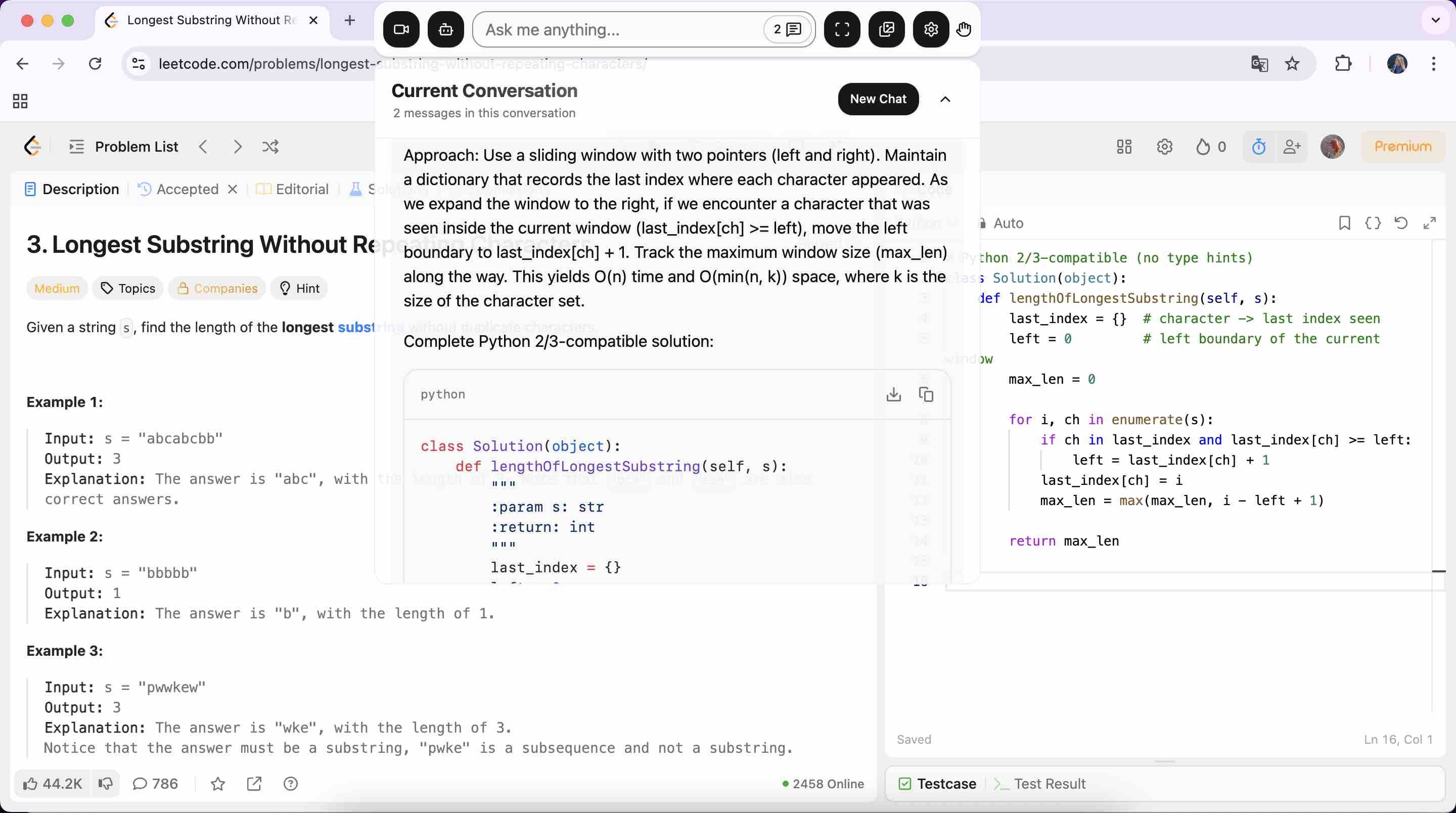
Handle interviewer follow-ups and technical deep dives with real-time, context-aware answers. The live coding interview copilot helps you work through algorithmic optimization and system design iterations as the conversation develops.
- Edge-Case Analysis
- Optimization Strategies
- Trade-off Evaluations
Join the Winners: Land Your Dream Job at Top Companies
 Telegram
 Chrome
 Discord
 Dribbble
 Figma
 Gmail
 Netflix
 Opera
 Safari
 Sketch
 Spotify
 Tiktok
 Twitter
 Zeplin
FAQ | AI Coding Interview Copilot
If you have any further questions, join our Discord community or WhatsApp group to ask us.